A Mac app for designers cubic-bezier(0.65, 0, 0.35, 1)
Research before you design.
Save the sites you like, rebuild their best effects, turn a client's references into foundations, test layouts and build the Claude skills your studio works by. Then hand it all off, down to a DESIGN.md your AI coding tools follow. Your library stays on your Mac; Claude sees only what you ask it about.
- 01SaveAny site you like: screenshots, its motion, palettes and type.
- 02KeepTick the effects, sections and details worth reusing.
- 03FoundationsA client's brief and references, distilled into a direction.
- 04MakePages, effects and print layouts in the client's brand.
- 05Hand offTo the printer, the developer, the client, Figma or an AI coding tool.
Research
A library of everything you liked, sorted for you.
Paste an address and the lab captures the site on desktop and phone, records how it moves, and notes what's worth keeping. Your library sorts it by type, palettes, motion and sections, so you can compare before you start.
- Screenshots, a hero clip and the site's tokens, saved in minutes
- Claude notes the effects and details worth reusing
- A watch list flags sites that redesign
Effects
Rebuild the motion you saw, then make it yours.
Effects you queue from saved sites are rebuilt as small, dependency-free pieces of code. Try them in the playground with your own photo, video, words and brand colours, and export the code or a recording.
- Nine starter effects included, to play with from the first minute
- Your image, logo, fonts and palette on any effect
- Readability checked as you go
- Export as code, MP4, GIF or a still
Foundations
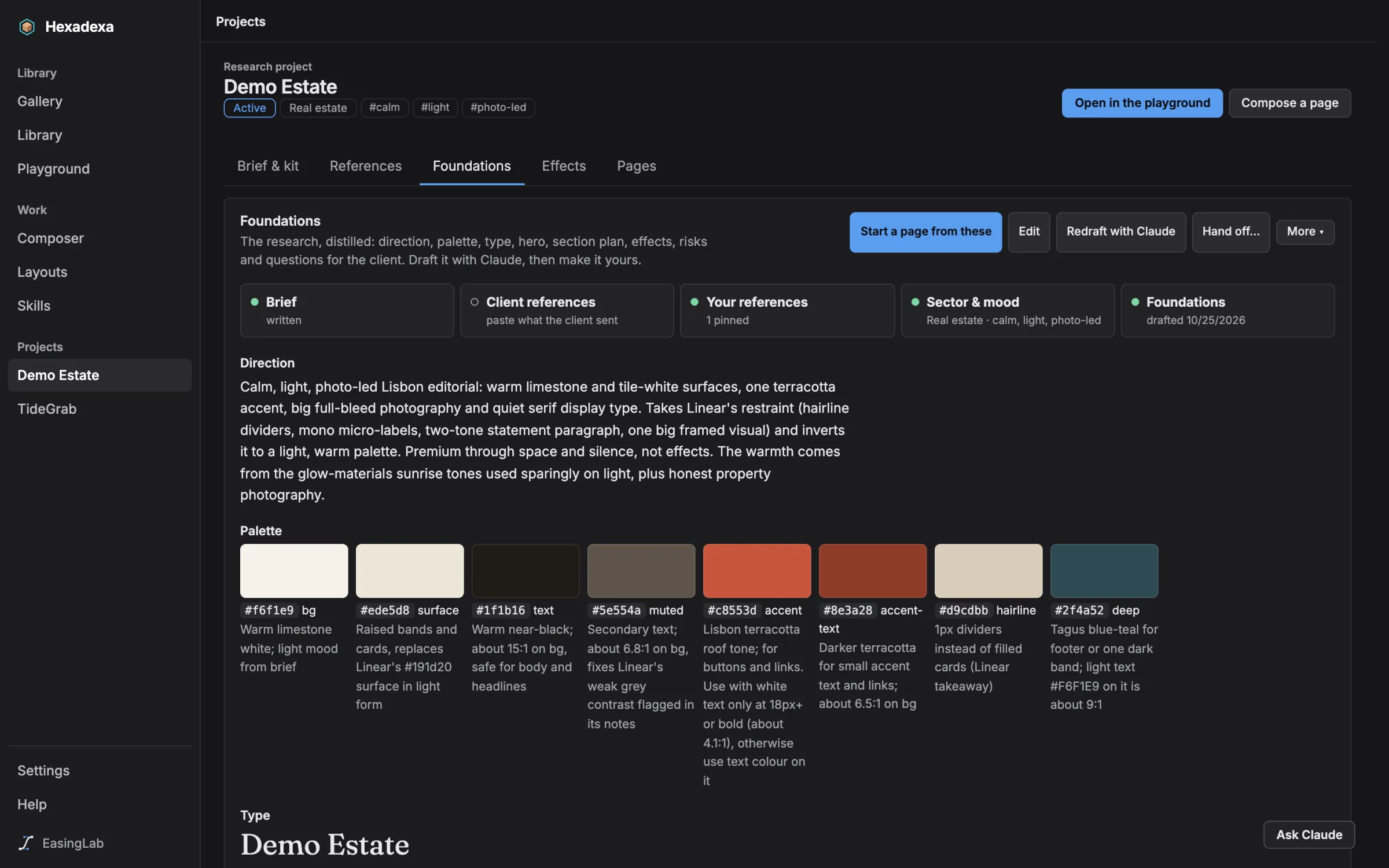
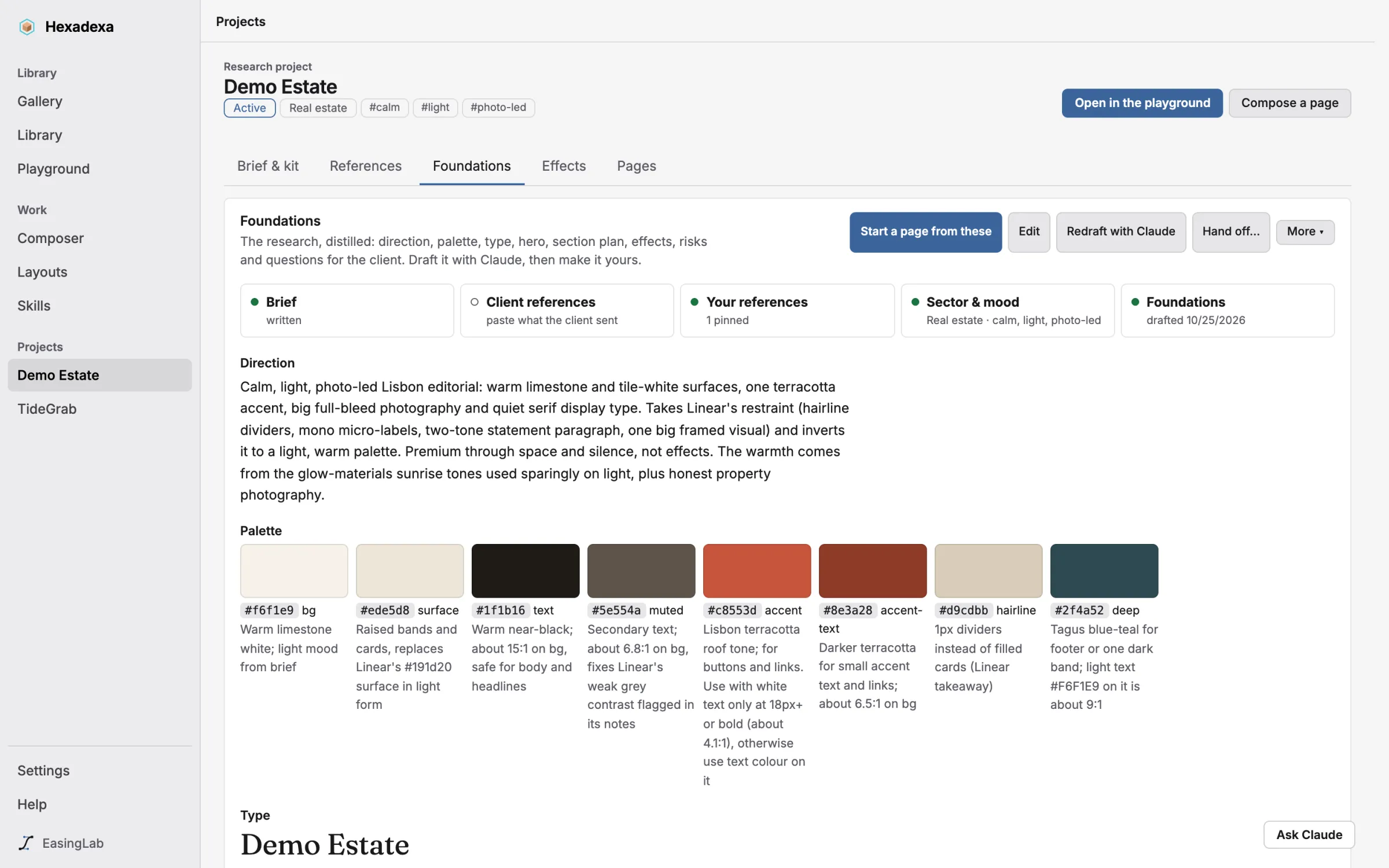
From a client's references to a design direction.
One workspace per client: the brief, the references they sent, your own picks. Claude drafts the Foundations, with direction, palette, type, section plan, effects and questions for the client, and you edit them like any document.
- Every save keeps the previous version
- A brand guidelines PDF with your studio's name on it
- Start a page straight from the Foundations
Layouts
Brochures, leaflets and posters in the client's brand.
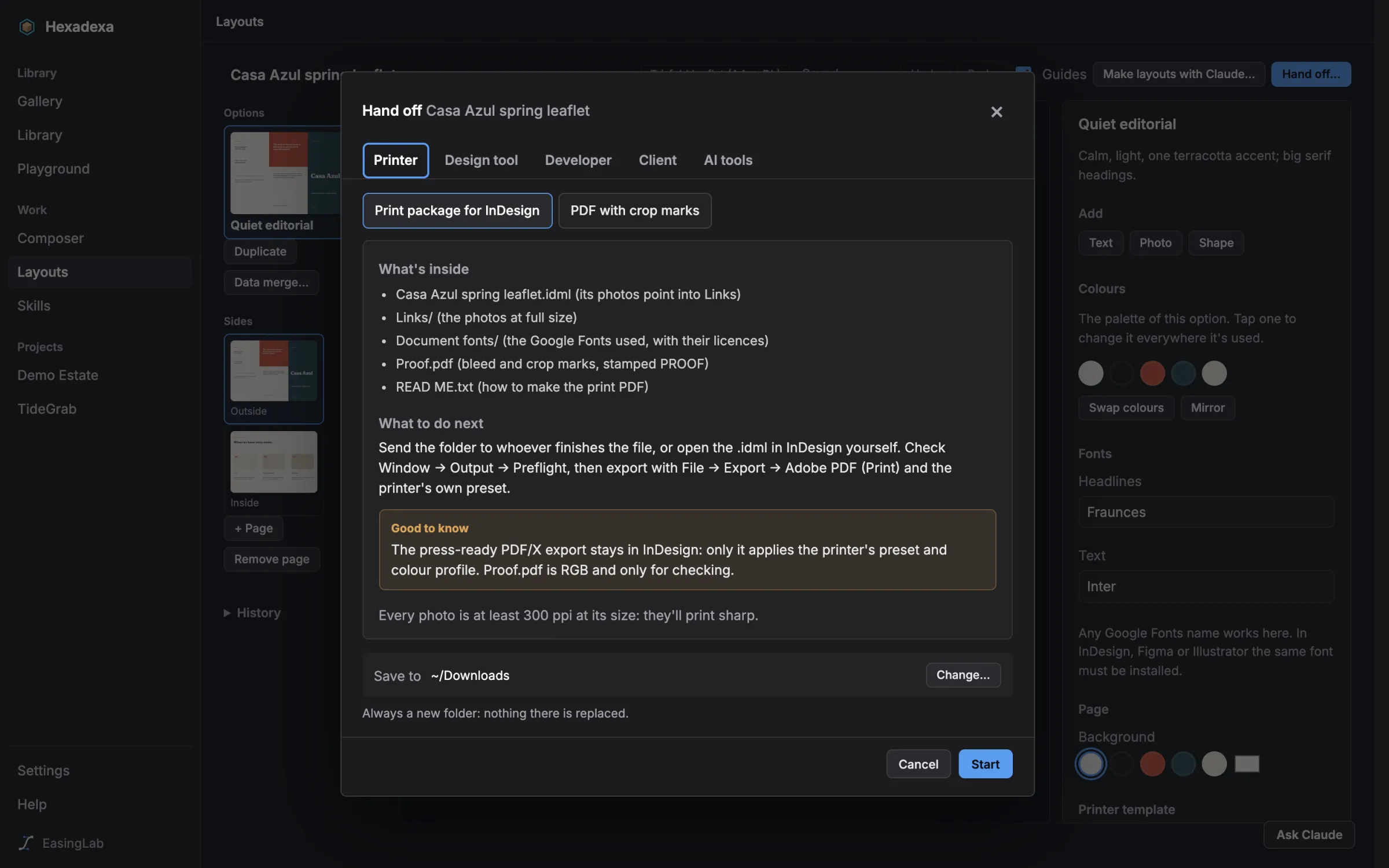
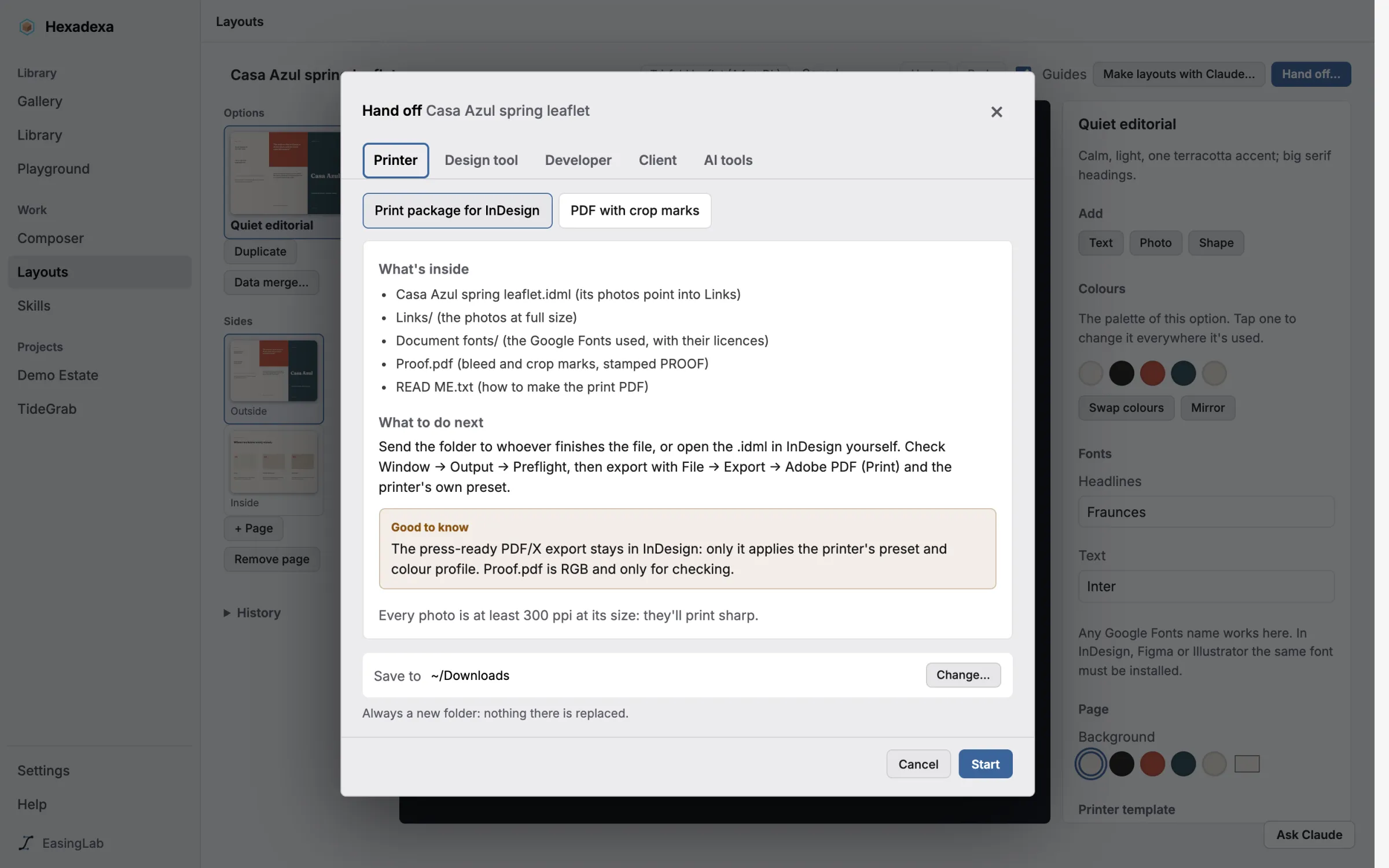
Describe the piece and paste the copy: Claude drafts a few options on the right grid. Adjust them by hand, then send them on as InDesign, Figma, Illustrator, Affinity or a print-ready PDF.
- Folded leaflets, booklets imposed for print, bleed and crop marks
- A print package for InDesign, with links and fonts
- One option per row of a spreadsheet
Skills
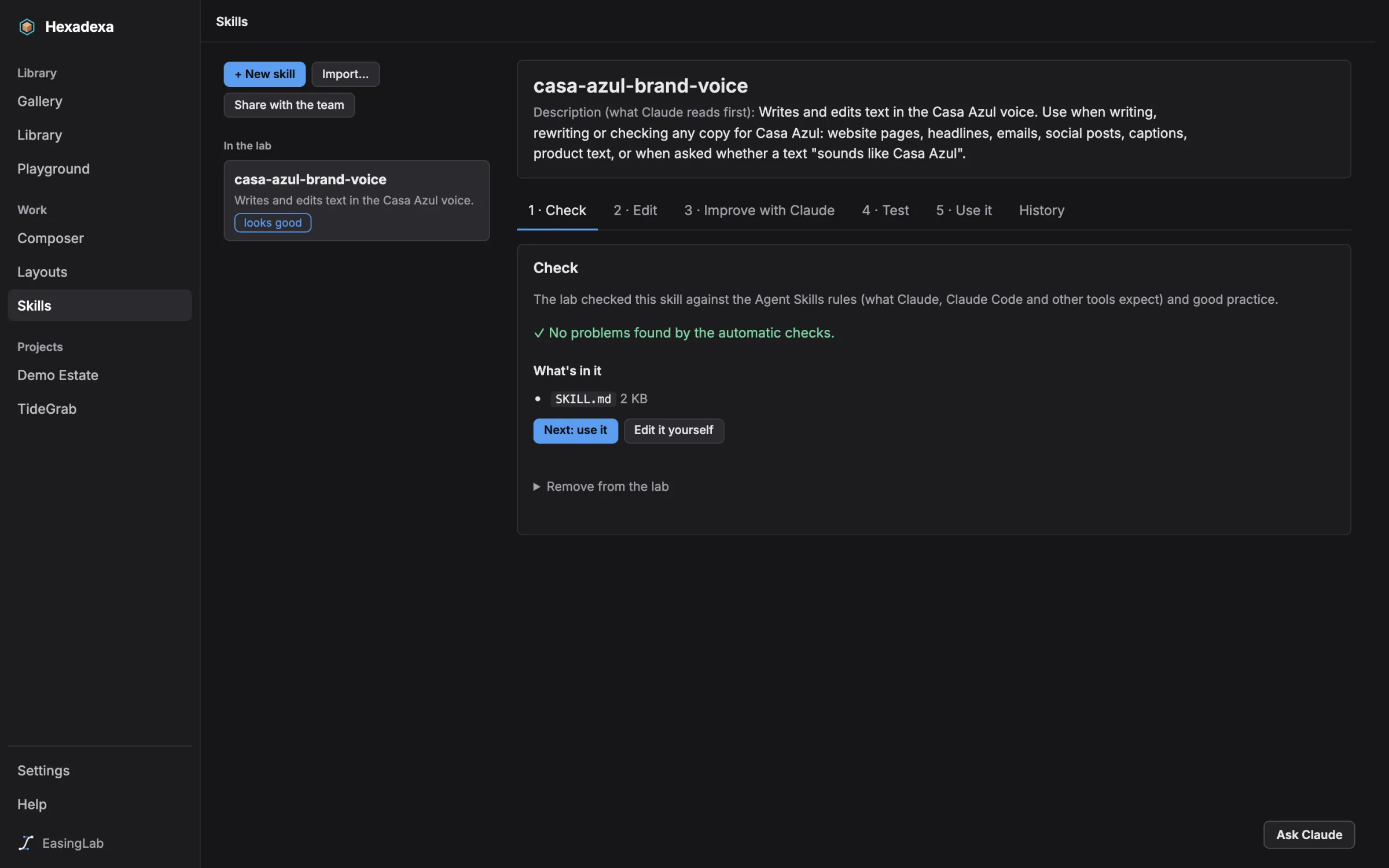
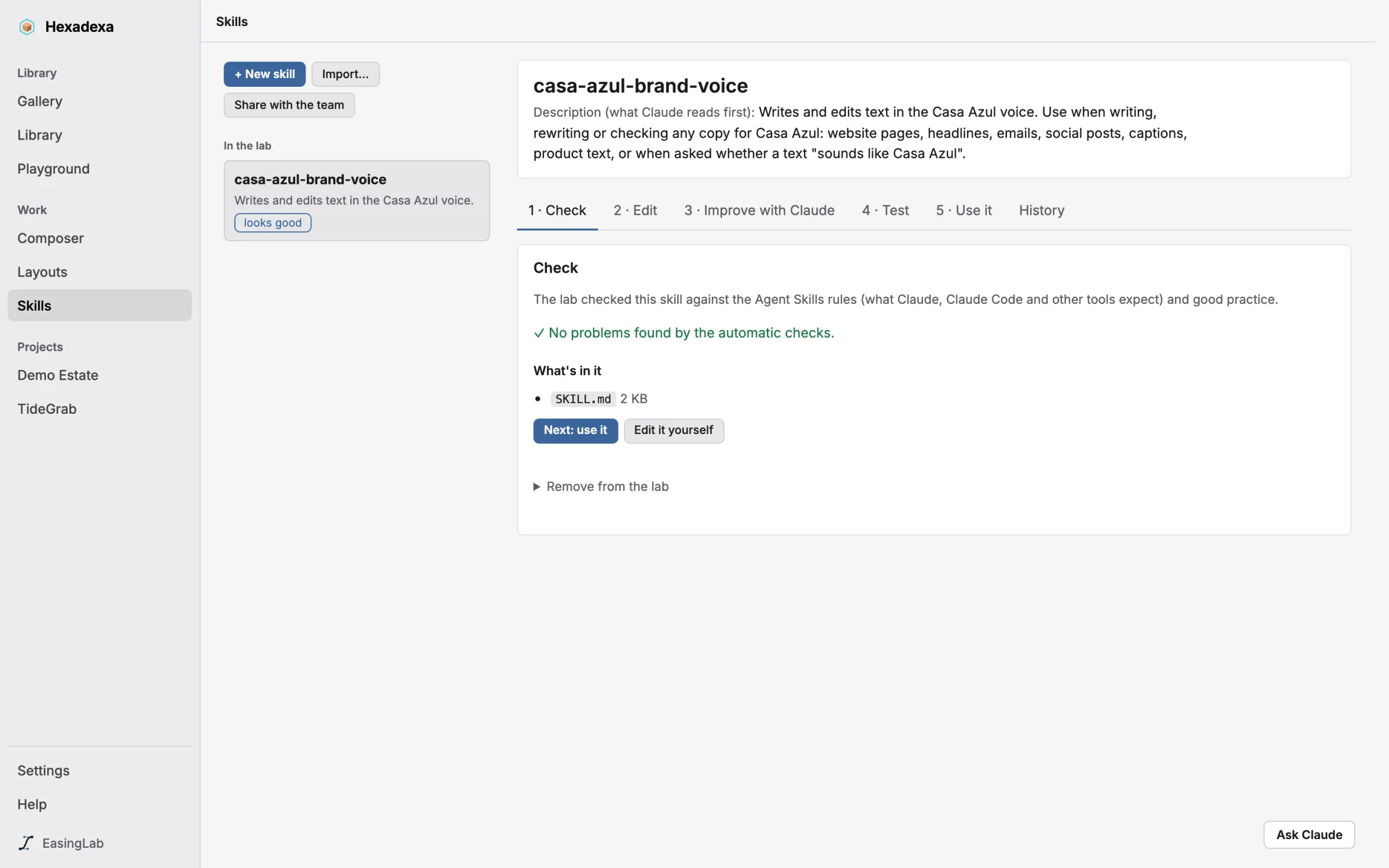
Teach Claude how your studio works.
A skill is a short set of instructions Claude follows for one kind of job, like your brand voice, your print rules or how you check a design. Start one from a template or a project, test whether Claude actually uses it, and share it with your team.
- Seven designer templates and a brand skill from any project
- Trigger tests: does Claude pick it when it should?
- Shared as a plugin your team adds in two commands
Hand off
One window for everything that leaves the lab.
Pick who it's for: the printer, a developer, a design tool, the client or an AI tool. Each destination says what's inside, what to do next and the one catch to watch for. Every hand-off is a folder with a READ ME.
- InDesign, Figma, Penpot, Canva and Adobe Express
- A DESIGN.md for Claude Code, Cursor and other AI coding tools, and in from a client or Stitch
- Design tokens for developers (W3C, CSS variables, Tailwind), easing curves included
- A design-system folder for Claude Design, which you import there yourself (or push with
/design-syncin Claude Code). Sending it straight to Claude Design will come once Anthropic publishes Claude Design's import format.
DESIGN.md
Your design system, in the file AI coding tools read.
DESIGN.md is an open format for describing a design system to AI coding tools. Hand off a project as one and Claude Code, Cursor or Stitch build with the client's colours, type scale, spacing and corners instead of guessing.
The format has no place for motion yet, so EasingLab adds one: the easing curves and durations your references really use, measured from their code, with a reduced-motion fallback.
- Every saved site's design system, measured in seconds: its curves, durations, type levels, corners and spacing
- A Library of every easing curve you've saved, running side by side, copied as CSS variables in one click
- Import a client's DESIGN.md, or one from Stitch, and its colours, fonts and motion become the project's
- It goes out with every hand-off: developer tokens, brand skills and pages from the composer
- Checked against the format's own rules, with an honest contrast note when the brand needs one
- Claude reads them too, through the Claude app connector
---
version: alpha
name: "EasingLab"
colors:
  primary: "#5b9cf0"
  neutral: "#161618"
  on-surface: "#e8e8eb"
typography:
  headline-lg:
    fontFamily: "Inter"
    fontSize: "72px"
    letterSpacing: "-0.04em"
rounded:
  lg: "6px"
---

## Motion

- ease-in-out-cubic `cubic-bezier(0.65, 0, 0.35, 1)`
  on transform

:root {
  --ease-in-out-cubic: cubic-bezier(0.65, 0, 0.35, 1);
  --duration-slow: 600ms;
}Made for a studio
Private, careful with your work, and yours to brand.

EasingLab for Mac Beta
Ask for accessEasingLab is in a private beta with a small group of designers. Write to [email protected] and say what you design; invited designers get a download link and updates arrive inside the app. Studios and agencies: say how many designers you are and we'll set you up together, with your skills shared across the team. macOS 14 or later on Apple silicon. Claude features need a Claude Pro or Max account.